Skip to content
YouTube · Free video calls

Watch YouTube together,right on YouTube.

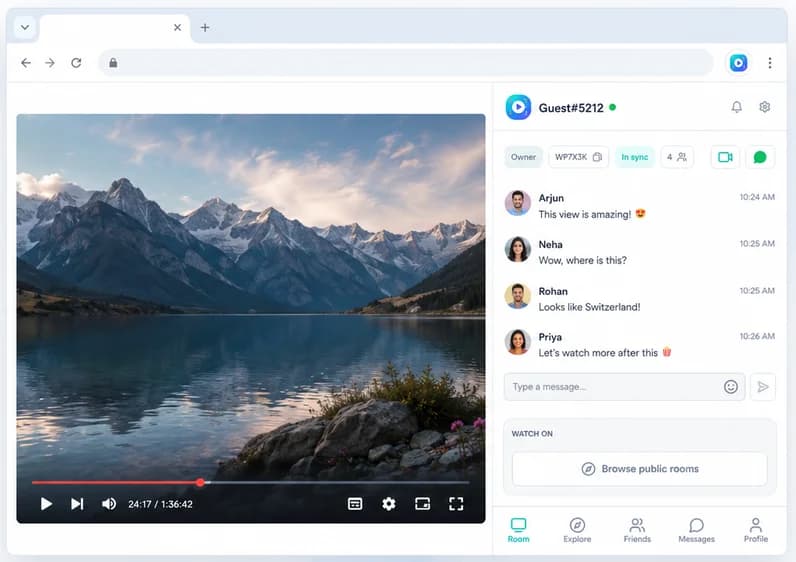
No pasting links into another site. Open any YouTube video as normal, and Watch Party keeps it in sync for your friends, with a free video call in the side panel.

Add to Chrome, it's free
  • Free
  • No account needed
  • Desktop Chrome
Watch Party side panel open next to a video, with the room chat and in-sync status

Works on

  • YYouTube
  • NNetflix
  • TTwitch
  • PPrime Video
  • DDisney+
  • HHulu
  • + any site with a video

How to start

  1. 1

    Install

    Everyone adds Watch Party to desktop Chrome.

  2. 2

    Open the video

    The host opens any YouTube video.

  3. 3

    Create a party

    Click the icon, press Create Watch Party, share the room code.

  4. 4

    Play together

    Play, pause or jump to a timestamp and everyone follows.

What you get

Your own YouTube

Everyone watches on youtube.com with their own account, so subscriptions, Premium and settings stay theirs.

Call while you watch

See each other react, free, without a separate call app.

Jump to the good part

Skip to a timestamp and the whole room skips with you.

Chat and reactions

Comment on the video without talking over it.

Watch on YouTube, not a copy of it

Many YouTube watch party sites play the video inside their own player after you paste a link. With Watch Party you stay on youtube.com: captions, quality settings and your own account all work as usual, and the extension only keeps playback in step.

More options and when each fits: how to watch YouTube with friends. Choosing between room sites and extensions? See Teleparty vs Watch2Gether.

Teleparty, YouTube, Discord, Watch2Gether are trademarks of their owners. Watch Party is independent and isn't affiliated with or endorsed by them.

Ideas

Three students in different dorm rooms taking notes while watching the same video on their laptops

Study sessions

Watch lectures and tutorials together, pausing to discuss.

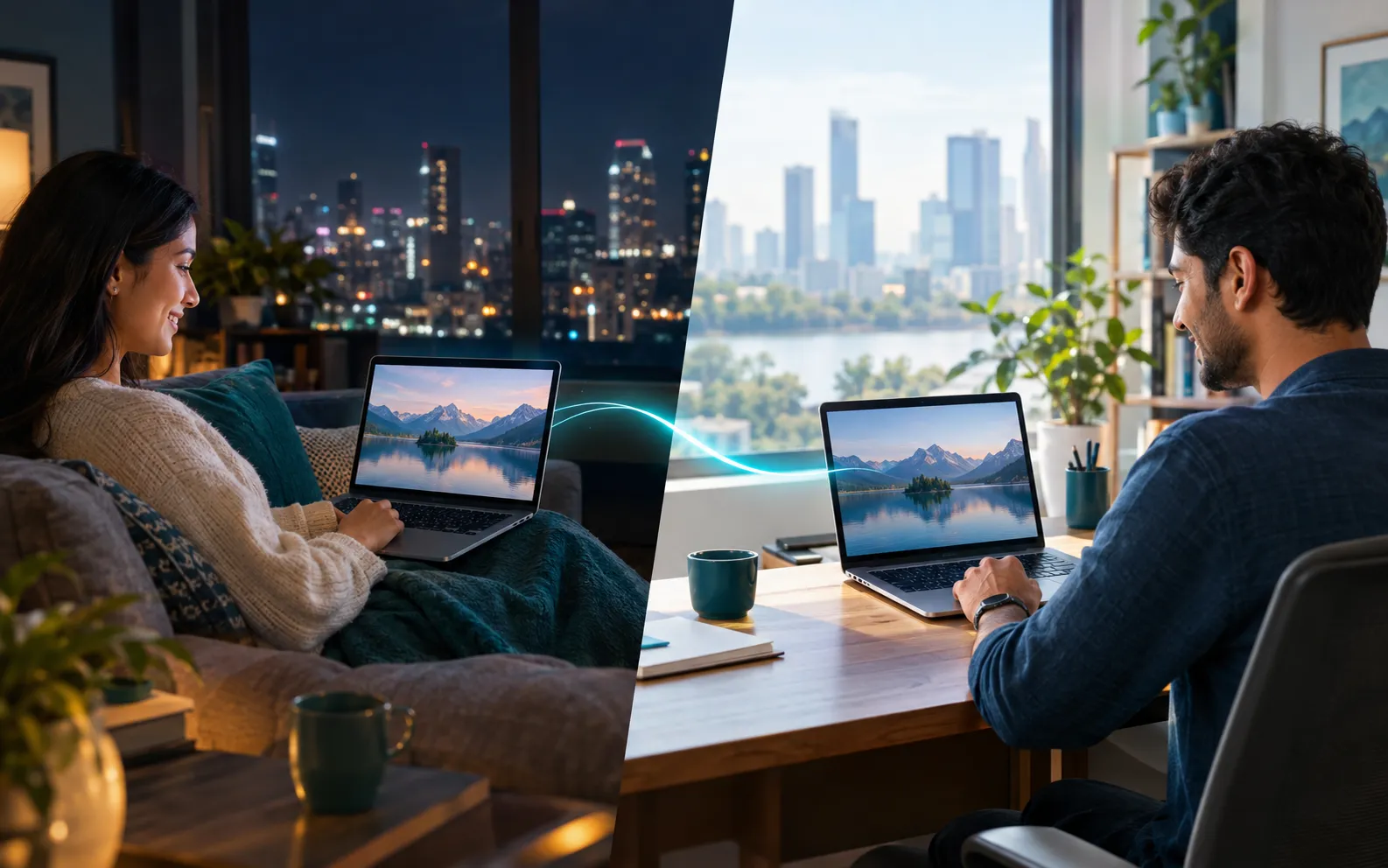
A woman on a sofa at night and a man at a desk in daylight in another city, smiling at the same mountain-lake scene on their laptops

Long-distance partners

Share the videos you'd normally send each other, together.

Read the guide →
Four friends in different homes laughing while watching the same movie on their laptops

Friends

New uploads, music videos and documentaries as a group.

Frequently asked questions

Can you have a watch party on YouTube?

YouTube doesn't sync a regular video between friends on its own, so you use a tool for it. With Watch Party, you watch on youtube.com as usual and the extension keeps everyone's video in step.

Can two people watch the same YouTube video at the same time?

Yes. Both open the video in desktop Chrome with Watch Party, one creates a party and the other joins with the room code. Play, pause and seek stay in sync.

How do I watch YouTube with a long-distance partner?

Create a party on the video, send your partner the room code, and start the video call in the side panel so you can see each other while you watch.

What about Watch2Gether or Discord?

Watch2Gether is handy for pasting links into a shared player and works on phones. Discord activities suit groups already in a voice channel. Watch Party keeps you on youtube.com itself with your own account and a built-in call.

Press play once. Everyone watches together.

Synced playback, live chat and video calls, free in Chrome.

Add to Chrome, it's free