
Press play once.Everyone watches together.
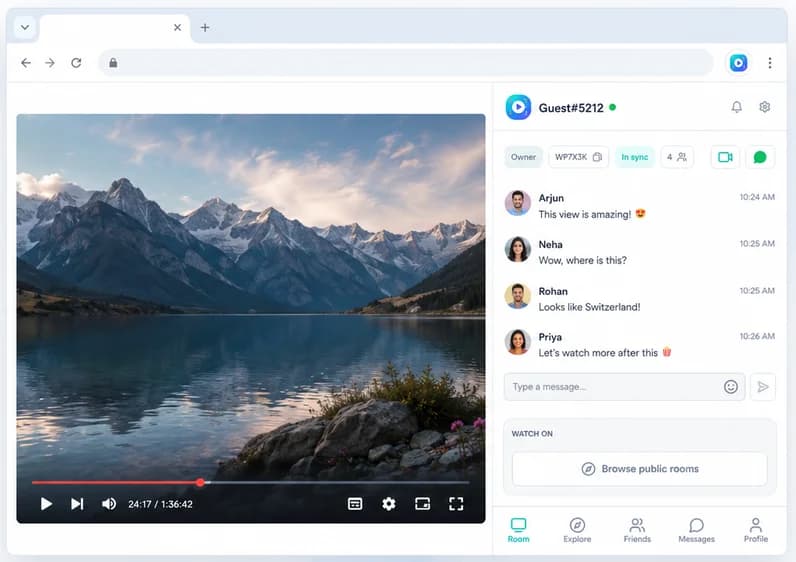
Watch Netflix, YouTube or any site with a video alongside friends who live far away. Playback stays in sync for everyone, and you can see and hear each other while you watch.
- Free
- No account needed
- Desktop Chrome
Works on
- YYouTube
- NNetflix
- TTwitch
- PPrime Video
- DDisney+
- HHulu
- + any site with a video
How it works
Start a watch party in under a minute
- 1
Open any video
Go to the movie, episode or clip you want to watch, on any site with a video player.
- 2
Click the icon
Click Watch Party in your Chrome toolbar. The side panel opens next to the video.
- 3
Create a party
Press Create Watch Party and send the room code to your friends.
- 4
Press play
Play, pause or skip and it happens for everyone. Start a call and react together.
Features
Everything a watch party needs
Synced playback
Play, pause and seek stay in step for the whole room. No more "3… 2… 1… go".
Group video and voice calls
See and hear each other right next to the video. Free, built in, nothing else to install.
Chat and reactions
Talk over the movie without talking over the dialogue, and react to the big moments.
Works on any site
Not a fixed list of services. If the page has a standard video player, it can sync.
Public or private rooms
Keep your room invite-only, or open it so other people can find it in Explore.
Friends and messages
Add friends, message them and invite them straight into your next watch party.
Why not just share your screen?
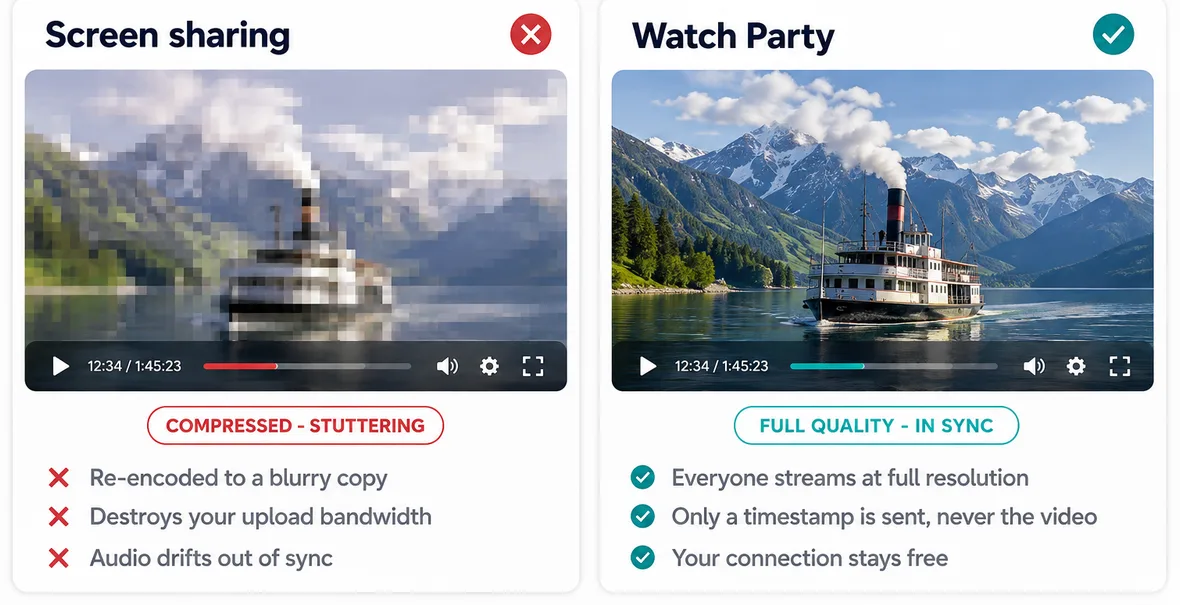
Screen sharing sends a compressed copy of one person's screen, so the movie looks blurry, stutters and eats the host's upload. Many streaming services also show a black screen when you try. With Watch Party, everyone plays the original video on their own connection and only the play, pause and timestamp are kept in step.
Your video stays yours
New to the idea? Start with what a watch party is, or jump to how to watch Netflix with friends and YouTube with friends.
Watch Party syncs a timestamp and a play or pause state, never your video. Nothing you watch is captured, recorded or re-streamed, calls go directly between participants, and the extension doesn't read your browsing history. The details are in the privacy policy.
Made for
Who watches together
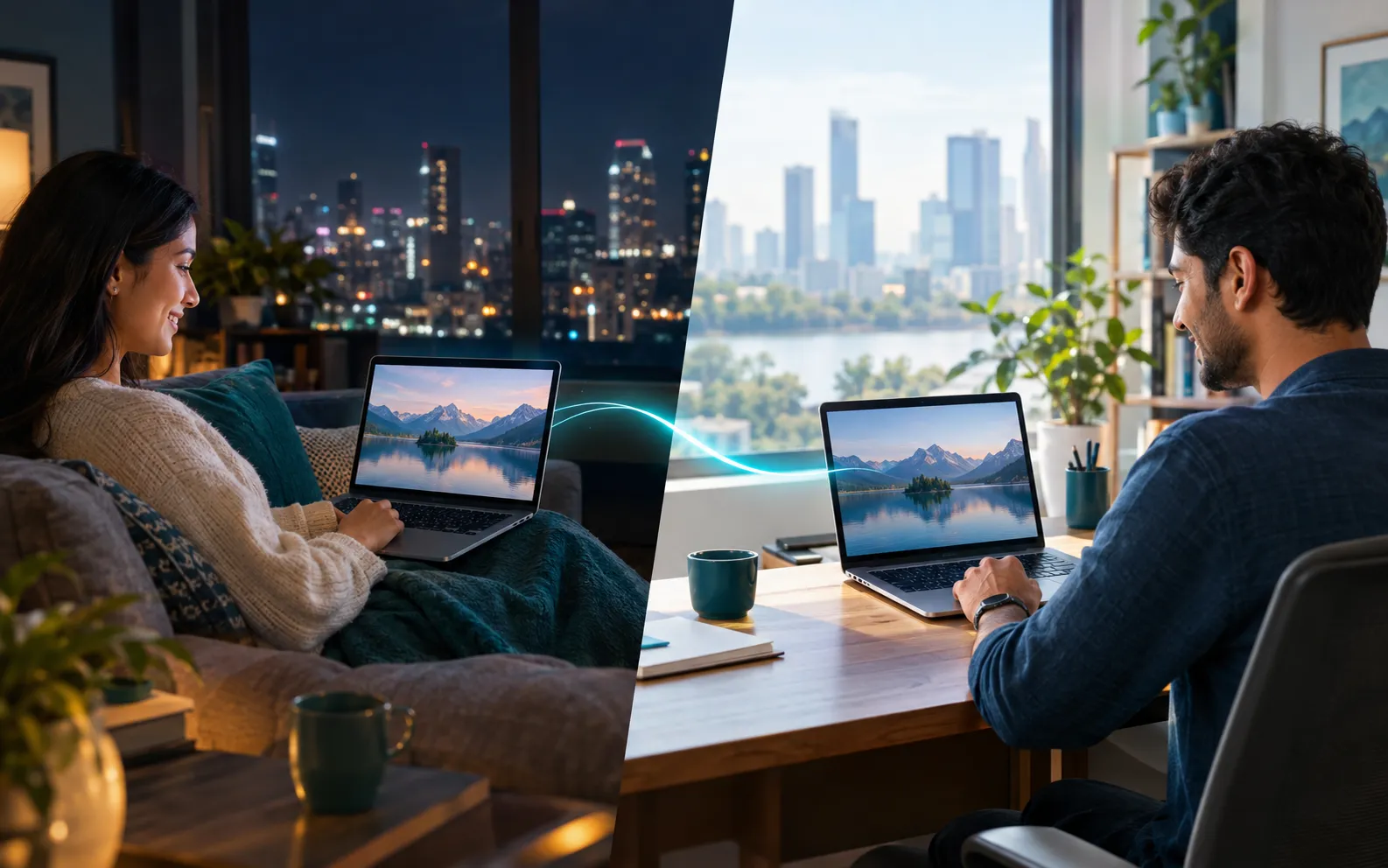
Long-distance couples
A real movie date across cities and time zones, with a video call beside the film.
Read the guide →
Friend groups
Weekly movie nights where everyone reacts at the same moment, wherever they live.
Read the guide →
Families apart
Watch with grandparents or siblings in another city as if you shared one sofa.

Study groups
Go through a recorded lecture together and pause to talk it through.
Read the guide →Frequently asked questions
Is Watch Party free?
Yes. Creating rooms, synced playback, chat, reactions and group video calls are all free. There's no premium plan.
Do my friends need an account?
No. Anyone can start or join as a guest. Signing in with Google only adds friends, direct messages and settings that follow you across devices.
Does everyone need their own Netflix (or other) subscription?
Yes. Everyone plays the video from their own account. Watch Party keeps the playback in step and never shares or re-streams the video itself, which is also why it stays full quality for everyone.
Can we see each other while we watch?
Yes. Group video and voice calls are built into the side panel, next to the video, along with chat and reactions.
Which browsers and devices does it work on?
Desktop Chrome. It doesn't run on phones, TVs, Safari or Firefox.
How many people can join one party?
The host sets the room size, up to 500 people.
Can I watch with someone in another country?
Yes. Everyone streams on their own connection, so distance doesn't affect quality. The title just needs to be available in each person's region.
Press play once. Everyone watches together.
Synced playback, live chat and video calls, free in Chrome.