
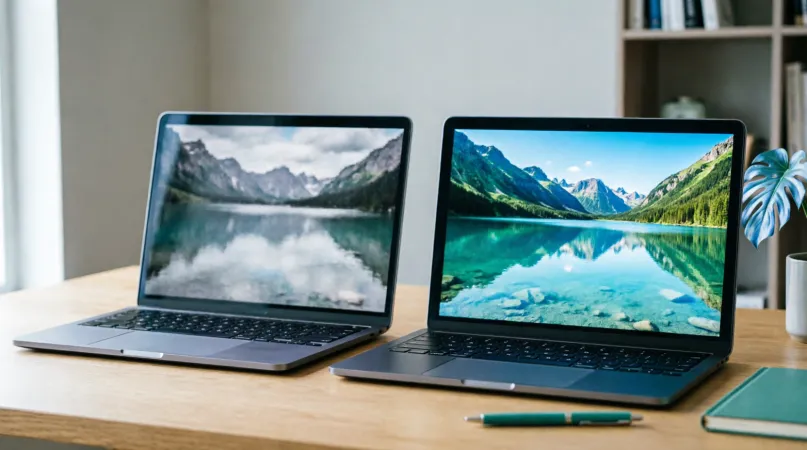
Short answer: Netflix and most streaming services protect their video, so a screen share in Discord, Zoom or Google Meet usually shows your friends a black screen with sound. That's by design. The fix is not to share your screen at all: let everyone play the video on their own account and keep it in sync with a watch party extension. Everyone gets the full picture, at full quality.
Why the screen goes black
Streaming services use video protection so their films can't be captured. Screen sharing is a form of capture, so the protected picture is left out of what gets sent and your friends see black. It isn't a setting you've got wrong in Discord or Zoom.
We don't recommend workarounds that defeat that protection. Besides breaking the service's rules, they still leave you with the second problem: screen shares look bad.
Screen sharing vs a watch party
| Screen sharing | Watch party (sync) | |
|---|---|---|
| Netflix and other protected services | Usually a black screen | Works |
| Picture quality | Compressed, often blurry | Full quality for each person |
| Smoothness | Stutters, low frame rate | Smooth |
| Host's internet | Heavy upload | Light |
| Who needs access to the video | Only the host | Everyone |
| Talking | The call app | Chat, reactions and video calls built in |
Why screen sharing struggles with movies, even when it works
- It's a copy of a copy. Your computer captures the screen and re-encodes it, losing detail.
- Upload is the bottleneck. Home connections upload far slower than they download.
- Audio drift. Sound and picture can fall out of step for the people watching.
- One person carries everything. If the host's connection hiccups, everyone's movie does too.
How to watch together without screen sharing
- Everyone adds a watch party extension; Watch Party is free for desktop Chrome.
- Everyone opens the same title on their own account.
- The host creates a party and shares the room code.
- Press play. Play, pause and seek stay in step for everyone, and you can talk on the built-in video call (or stay in Discord).
When screen sharing is fine
- Showing a short clip that isn't from a protected service
- Something only one person can access, where the service allows it
- Showing something that isn't a video at all
More on the Netflix side: watch Netflix together. Choosing a tool: best watch party apps.